





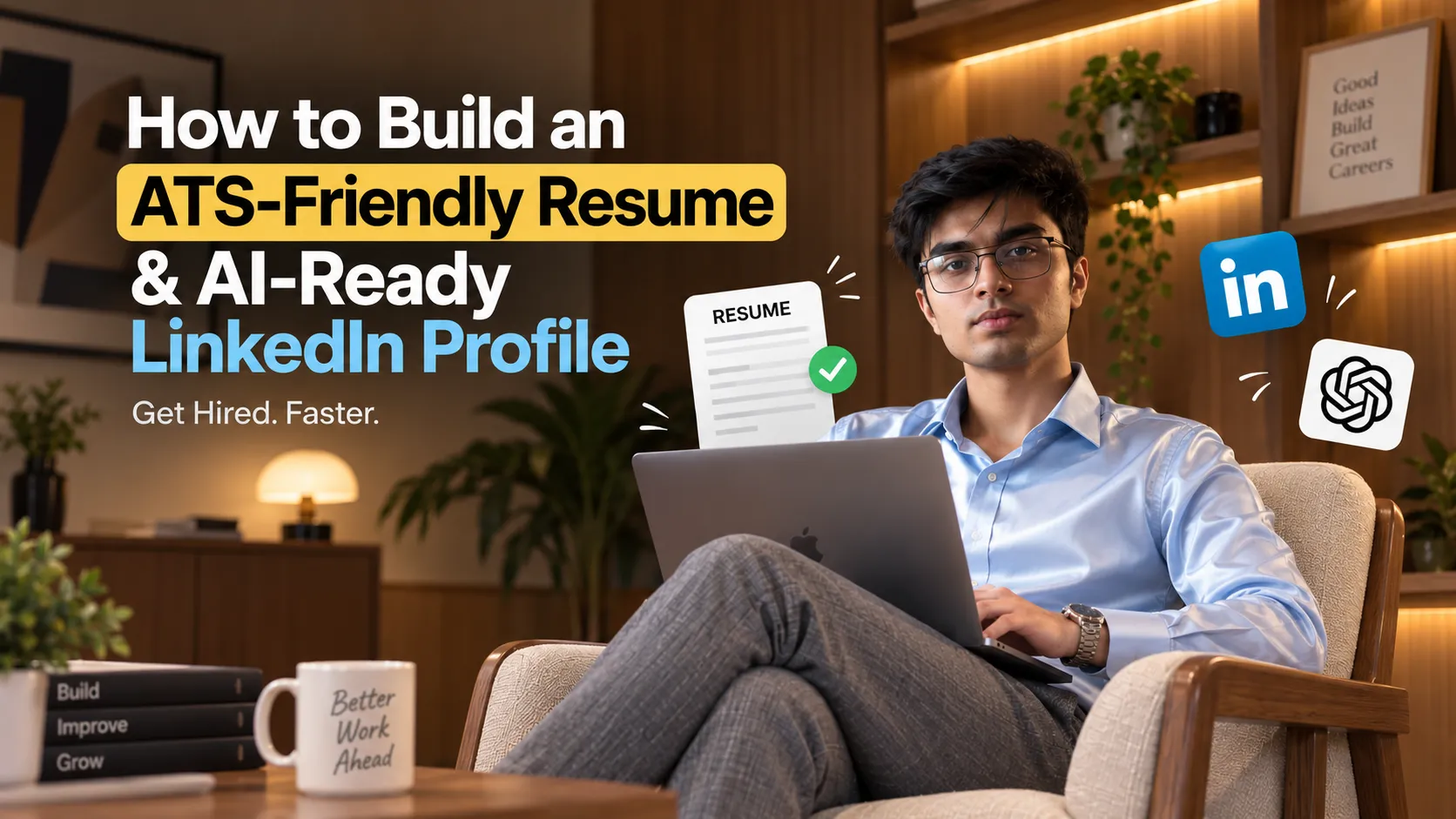
From Job-Ready to AI-Ready: How to Build an ATS-Friendly Resume, Upgrade Your LinkedIn Banner, and Optimize Your Profile With AI
Getting job-ready is no longer just about having a good resume.
Recruiters may discover you through LinkedIn, an applicant tracking system (ATS), a referral, a portfolio, or an AI-assisted recruiting workflow. That means your professional profile needs to work in two directions:
It must be easy for machines to understand and compelling for humans to read.
A strong job-search setup should therefore include:
-
A focused, ATS-friendly resume
-
Resume content tailored to the actual job description
-
Clear evidence of skills and achievements
-
A professional LinkedIn profile
-
A LinkedIn banner that communicates what you do
-
Consistent keywords across your resume, LinkedIn and portfolio
-
A workflow for continuously improving your application materials
One useful way to build this workflow is with AI. For example, OpenAI Prism can be used to work with structured documents and generate professional LaTeX-based resume output.
The important part, however, is not simply asking AI to "make my resume better." The quality of the result depends heavily on the instructions and the information you provide.
1. Start With Job Readiness, Not Resume Design
Before changing fonts, colors or templates, make sure your professional information is actually ready.
Create a single source of truth containing:
Basic information
-
Full name
-
Location
-
Email
-
Phone number
-
LinkedIn URL
-
GitHub URL
-
Portfolio/website URL
Education
Include:
-
Degree
-
University
-
Location
-
Graduation date
-
GPA/CGPA, if relevant
-
Relevant specialization or minor
Experience
For every role, collect:
-
Company
-
Job title
-
Location
-
Dates
-
Responsibilities
-
Projects
-
Technologies/tools
-
Measurable results
Projects
For each project, document:
What did you build? → How did you build it? → What problem did it solve? → What was the result?
For example, instead of:
Built a web application using React.
A stronger factual version would be:
Built a React-based web application for [specific purpose], implementing [specific functionality] using [technologies explicitly used].
The goal is not to make the sentence sound impressive.
The goal is to make the contribution specific, searchable and understandable.
2. Understand What ATS Optimization Actually Means
An ATS-friendly resume is not simply a resume filled with keywords.
ATS optimization primarily means making your resume easy to parse and ensuring that relevant information is represented clearly.
Use conventional section names
Prefer:
-
SUMMARY
-
EDUCATION
-
EXPERIENCE
-
PROJECTS
-
SKILLS
-
CERTIFICATIONS
Avoid unnecessarily creative alternatives such as:
-
"My Journey"
-
"What I Know"
-
"Where I've Worked"
-
"Things I've Built"
Creative wording can be visually interesting, but conventional headings make the document easier to interpret.
Keep the structure simple
Avoid excessive:
-
Text boxes
-
Tables
-
Multiple columns
-
Decorative graphics
-
Icons replacing text
-
Images containing important information
-
Unusual symbols
Your resume should remain readable even when the visual formatting is removed.
Use job-specific terminology naturally
If a job description explicitly asks for:
React, TypeScript, Node.js, PostgreSQL and AWS
and you genuinely have those skills, represent them clearly in your resume.
Do not add technologies simply because they appear in the job description.
ATS optimization should improve discoverability, not manufacture qualifications.
3. Make Your Resume AI-Friendly Too
Modern recruiting workflows increasingly involve software that extracts and interprets resume information.
That makes structured writing even more important.
AI-friendly resume content should make it easy to identify:
Role → Company → Time period → Responsibility → Technology → Outcome
For example:
Software Engineer — Company Name
Built and maintained web applications using React and Node.js, implementing [specific functionality] and improving [documented outcome].
This is easier for both a recruiter and an automated system to interpret than a paragraph containing several unrelated responsibilities.
Write bullets around evidence
A useful formula is:
Action + What you did + How you did it + Result
Examples:
Developed a dashboard using React and PostgreSQL to support [documented use case].
Automated [documented process] using Python, reducing [documented manual work].
Implemented [documented feature] using Node.js and Express.
If you have a genuine metric, use it.
If you don't have one, do not invent one.
4. The Resume Prompt You Can Use With OpenAI Prism
The following prompt is designed around the reference resume structure you provided. The reference uses a compact single-page format with clearly separated sections, right-aligned dates, concise bullets and a straightforward technical-skills section.
The prompt also explicitly prevents AI from inventing experience, metrics or qualifications.
Copy the following into Prism:
Generate a professional resume in the visual style and structural layout of the provided reference resume.

Also optimize the complete resume for ATS compatibility and AI readability while keeping every claim strictly grounded in the profile data I provide.

OBJECTIVE

Create a clean, professional, concise and highly readable resume that:

- Is easy for ATS systems to parse
- Is easy for recruiters to scan
- Uses relevant job-specific terminology naturally
- Clearly communicates skills, experience, projects and education
- Uses strong action-oriented bullet points
- Avoids unnecessary design elements
- Maintains a professional single-page resume structure where the provided content allows
- Uses consistent spacing, alignment and hierarchy
- Produces valid, compilable LaTeX

REFERENCE DESIGN

Use the attached reference resume only as a visual and structural reference.

Follow its:

- Section hierarchy
- Section order
- Spacing
- Alignment
- Date positioning
- Typography hierarchy
- Compact layout
- Bullet-point structure
- Education formatting
- Experience formatting
- Project formatting
- Technical-skills formatting

Do NOT copy the reference resume's text or personal information.

ATS REQUIREMENTS

Optimize the resume for ATS parsing.

Use conventional section names such as:

- EDUCATION
- EXPERIENCE
- PROJECTS
- SKILLS
- CERTIFICATIONS

Only include sections for which information is provided.

Keep important information as selectable text.

Avoid:

- Images containing text
- Decorative text boxes
- Excessive tables
- Unnecessary columns
- Icons replacing important contact information
- Unusual symbols
- Excessive graphics
- Keyword stuffing

Use keywords from the provided job description only when they accurately match the candidate's actual experience or skills.

CONTENT RULES

Use ONLY information explicitly provided in my data.

Do not:

- Fabricate experience
- Invent metrics
- Invent dates
- Invent companies
- Invent responsibilities
- Invent technologies
- Invent certifications
- Invent achievements
- Invent education
- Assume proficiency that is not stated
- Exaggerate responsibilities
- Add projects that are not provided

If information is missing, omit it.

You may rewrite or summarize existing information for clarity and conciseness, but the meaning must remain factually grounded in the provided data.

BULLET POINT RULES

Make bullets:

- Concise
- Specific
- Action-oriented
- ATS-readable
- Easy to scan
- Grounded in the supplied information

Where a real metric is provided, preserve it.

Where no metric is provided, do not manufacture one.

Use this general structure when appropriate:

Action + task/problem + technology/method + documented result

TECHNICAL SKILLS

Group skills logically.

Do not add technologies simply because they appear in the job description.

Only list technologies, programming languages, frameworks, tools and platforms explicitly provided in my data.

JOB DESCRIPTION ALIGNMENT

If I provide a job description, identify relevant keywords and requirements from it.

Then align my resume with those requirements ONLY where my supplied experience genuinely supports the match.

Do not falsely claim that I have experience with a requirement.

LATEX REQUIREMENTS

Output only valid, compilable LaTeX code.

Use appropriate page margins.

Use professional typography.

Keep spacing compact but readable.

Avoid unnecessary whitespace.

Ensure dates and locations are aligned consistently.

Ensure the final PDF has no accidental overflow, clipping or unusual gaps.

FINAL OUTPUT

Output only the final LaTeX resume.

Do not provide explanations, commentary or analysis.

MY DATA:

PASTE YOUR DATA HERE

JOB DESCRIPTION:

PASTE THE JOB DESCRIPTION HERE
This gives you a repeatable workflow: your data + the job description → tailored resume → LaTeX → PDF.
The important constraint is the instruction to use only explicitly supplied information. That protects the resume from one of the biggest problems with AI-generated applications: polished but unsupported claims.
5. Don't Stop at the Resume: Your LinkedIn Banner Is Part of Your Personal Brand
Your LinkedIn banner is often the first visual element people notice when they visit your profile.
It should quickly communicate:
Who are you? What do you do? What type of work do you want to be associated with?
A strong banner does not need to contain your entire professional history.
Instead, it can communicate a simple positioning statement such as:
Full-Stack Developer
Building scalable web products with React, Next.js & Node.js
The exact wording should come from your actual professional profile.
The LinkedIn banner reference you provided specifies a 1584 × 396 px canvas and emphasizes composition, typography hierarchy, image placement, safe areas and responsive cropping.
It also specifically recommends keeping critical information away from areas that may be affected by LinkedIn's profile-picture overlap and responsive cropping.
6. The LinkedIn Banner AI Prompt
You can use the following prompt with an image-generation or design workflow:
ACT AS A PROFESSIONAL LINKEDIN BANNER RECREATION AND VISUAL BRANDING SPECIALIST.

Create a professional LinkedIn banner based on the provided reference design and my personal information.

FINAL CANVAS

The final banner must be exactly:

1584 × 396 pixels

Do not change the canvas dimensions.

Analyze the reference design before generating the final banner.

PRESERVE THE REFERENCE DESIGN SYSTEM

Match the reference as closely as possible in:

- Overall composition
- Layout
- Grid
- Spacing
- Typography hierarchy
- Color relationships
- Background treatment
- Image placement
- Graphic elements
- CTA styling
- Negative space
- Visual balance

The goal is:

"THE SAME DESIGN SYSTEM AND ART DIRECTION, BUT BELONGING TO ME."

Do not create a generic LinkedIn banner.

Do not unnecessarily redesign, simplify or modernize the reference.

TEXT

Replace the reference text only with the information I provide.

Do not invent:

- Services
- Skills
- Achievements
- Client numbers
- Statistics
- Job titles
- Certifications
- Social proof

PHOTO

If I provide a personal photograph:

- Preserve my identity
- Do not change my facial features
- Do not unnecessarily alter my appearance
- Match the reference's approximate position and scale
- Remove the background if necessary
- Adjust lighting, contrast and color grading only as needed
- Maintain a natural appearance

LINKEDIN OPTIMIZATION

Keep critical information inside LinkedIn-safe areas.

Consider:

- Profile-picture overlap
- Desktop cropping
- Mobile cropping
- Text readability
- Contrast
- Edge margins
- Subject visibility

Do not place important information too close to the extreme edges.

FINAL REQUIREMENT

The final output must be optimized specifically for LinkedIn at 1584 × 396 pixels.

Use my actual information only.

Do not fabricate information.
The full reference workflow goes further by separating reference analysis, text replacement, photo analysis, recreation specification and final generation rather than immediately generating the banner.
That staged approach is useful because it forces the design system to be understood before the final artwork is created.
7. Bonus: Optimize Your LinkedIn Profile for Recruiters and AI
Your LinkedIn profile should reinforce the same professional positioning as your resume.
Think of the profile as a searchable professional database rather than simply an online CV.
Headline
Your headline should answer:
What do you do + what technologies/domain do you work in + what value do you create?
Instead of:
Software Developer
A more descriptive structure is:
Full-Stack Developer | React, Next.js & Node.js | Building Web Products & Scalable Applications
Only use technologies and positioning that genuinely match your experience.
About Section
Use a simple structure:
1. Who you are
One or two sentences describing your professional identity.
2. What you build
Mention the types of products, systems or problems you work on.
3. Your technical strengths
Mention relevant technologies naturally.
4. Evidence
Include selected projects, responsibilities or measurable outcomes that are actually supported by your experience.
5. What you're looking for
Clearly state the type of opportunities or collaborations you are interested in.
Avoid turning the About section into a keyword dump.
8. Make Your Resume and LinkedIn Tell the Same Story
One of the easiest mistakes to make is having different versions of yourself across platforms.
For example:
Resume: Full-Stack Developer
LinkedIn: Product Engineer
Portfolio: Web Designer
GitHub: JavaScript Developer
There can be legitimate differences, but your overall positioning should remain coherent.
Your:
Resume → LinkedIn → Portfolio → GitHub
should collectively tell the same professional story.
This also gives recruiters and AI systems multiple consistent signals about your skills and experience.
9. A Simple Job-Application Workflow
Once your base profile is ready, use this workflow for every serious application:
Step 1 — Read the job description
Extract:
-
Required skills
-
Preferred skills
-
Responsibilities
-
Experience requirements
-
Domain terminology
Step 2 — Compare it with your actual experience
Separate requirements into:
I have this
I have related experience
I don't have this
Never turn the third category into a false claim.
Step 3 — Tailor the resume
Reorder and rewrite your existing evidence so the most relevant information is easy to find.
Step 4 — Run an ATS/AI review
Check:
-
Keyword coverage
-
Section structure
-
Parsing clarity
-
Missing evidence
-
Repetition
-
Unsupported claims
-
Readability
Step 5 — Check the human version
Ask:
Can a recruiter understand what I actually do in 10–15 seconds?
If not, simplify.
Step 6 — Keep LinkedIn aligned
Your LinkedIn headline, About section, experience and banner should support the same professional positioning.
10. The Goal Isn't a "Perfect ATS Score"
Tools may give resumes an ATS score, but don't treat a number as the objective itself.
A resume can score highly in a keyword checker and still be weak if it:
-
Doesn't demonstrate relevant experience
-
Uses keywords unnaturally
-
Contains vague bullets
-
Is difficult to read
-
Makes unsupported claims
-
Doesn't clearly communicate what the candidate actually did
The better objective is:
Readable by ATS → understandable by AI → convincing to a recruiter → truthful to your actual experience.
That is a much more useful definition of an AI-ready resume.
Your Job-Ready Checklist
Before applying, make sure you have:
-
One master resume containing your complete factual information
-
A tailored version for each important role
-
Conventional ATS-readable section headings
-
Relevant keywords supported by real experience
-
Clear, concise bullet points
-
No fabricated metrics or skills
-
No unnecessary graphics or complex formatting
-
A professional LinkedIn headline
-
A clear LinkedIn About section
-
Consistent experience across resume and LinkedIn
-
A professional 1584 × 396 LinkedIn banner
-
A portfolio/GitHub link where relevant
-
Projects that demonstrate your actual technical capabilities
Your resume gets you into the conversation.
Your LinkedIn profile gives people more context.
Your portfolio provides evidence.
And your professional positioning connects all three.
The strongest AI-assisted job-search workflow isn't about letting AI invent a better version of you. It's about giving AI accurate information and using it to present your real experience more clearly, consistently and effectively.