





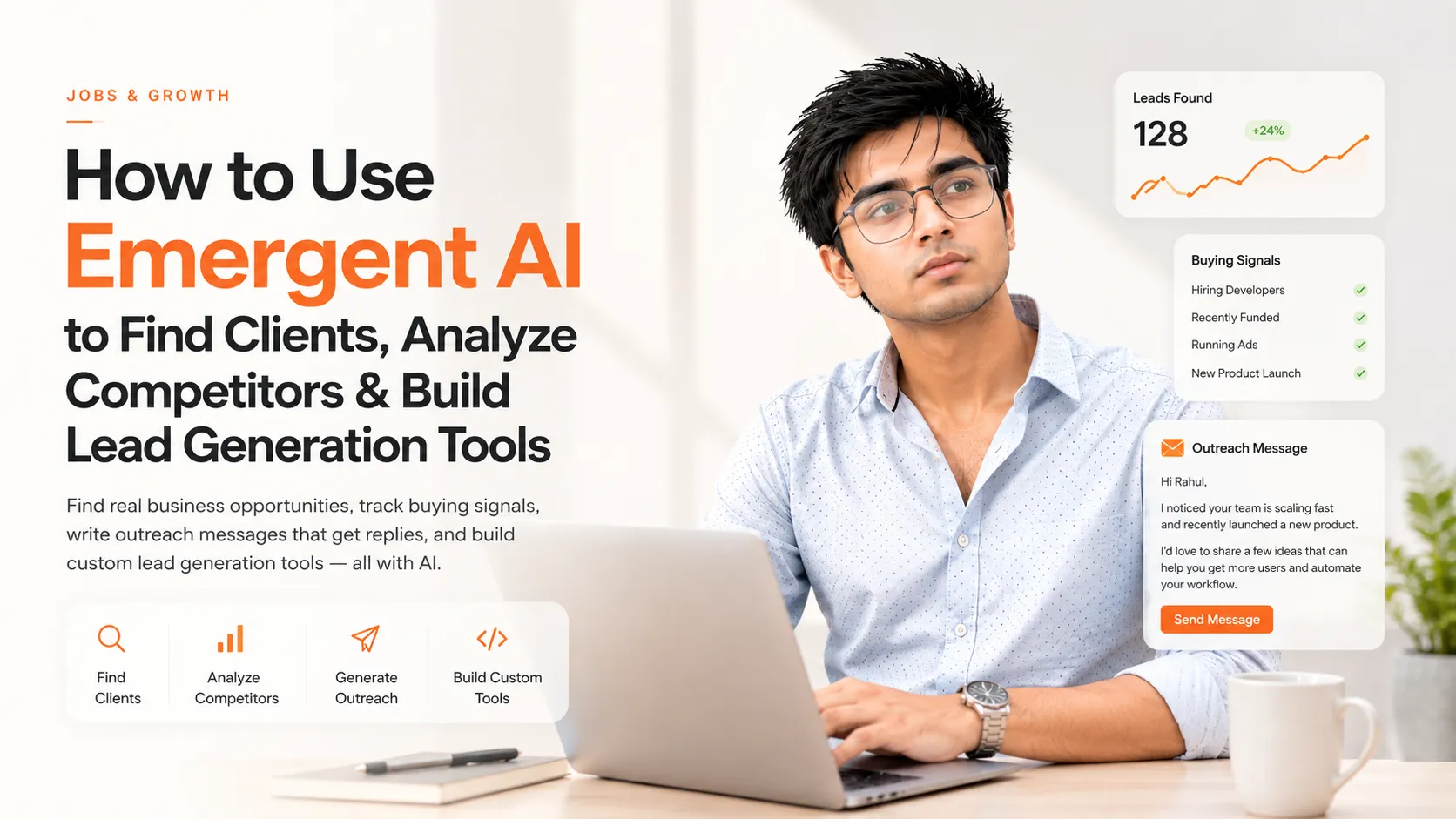
How I Used Emergent AI to Find Clients, Analyze Competitors, and Build Lead Generation Tools in Minutes
Finding clients is hard.
You send cold DMs, post on LinkedIn, optimize your portfolio, and maybe even run ads—but most leads either ghost you or never reply.
The bigger problem is that most freelancers, agencies, and developers don't actually know:
-
Who their ideal client is.
-
Where those clients spend time.
-
What problems they are actively trying to solve.
-
Which competitors are already serving them.
-
How to write outreach messages that don't sound robotic.
What if AI could do all of that for you?
That's where Emergent comes in.
In this guide, we'll explore how you can use Emergent AI to:
-
Discover real business opportunities.
-
Analyze competitors automatically.
-
Find potential clients.
-
Detect buying signals.
-
Generate personalized outreach messages.
-
Build your own lead-generation software without writing backend code.
Try Emergent here:
https://app.emergent.sh/register?ref=pras877331
Instagram Reel:
https://www.instagram.com/reels/DamxidPyBjd/
What Is Emergent?
Emergent is an AI-powered development platform that can understand your requirements and generate complete applications, workflows, and automations.
Instead of manually building:
-
Backend APIs
-
Frontend dashboards
-
Databases
-
Authentication
-
Deployment pipelines
you can simply describe what you want, and Emergent builds it for you.
You can use it to create:
-
Lead generation tools
-
CRM systems
-
AI agents
-
Competitor analysis dashboards
-
Social media automation tools
-
Internal business software
-
Client portals
-
Scrapers and monitoring systems
Why Most Freelancers Struggle to Get Clients
Most people make one of these mistakes:
❌ Sending the same message to everyone.
❌ Targeting businesses that don't need their services.
❌ Not researching competitors.
❌ Having no system to track leads.
❌ Waiting for clients to magically appear.
Clients don't buy services.
They buy solutions to problems.
The faster you identify those problems, the easier it becomes to get clients.
How Emergent Can Help You Find Clients
Emergent can help you automate the entire client acquisition process.
Step 1: Define Your Service
Start by clearly defining what you offer.
Examples:
-
Web development.
-
UI/UX design.
-
AI automation.
-
SEO optimization.
-
Content marketing.
-
Social media management.
-
CRM development.
Step 2: Define Your Ideal Customer Profile (ICP)
Ask yourself:
-
What industry do they belong to?
-
What size is their company?
-
How much revenue do they generate?
-
Which country are they from?
-
What tools do they already use?
Example ICP
| Parameter | Example |
|---|---|
| Industry | SaaS |
| Team Size | 5–50 employees |
| Location | US, UK, India |
| Problem | Low lead generation |
| Budget | $500–$5000 |
| Current Tools | HubSpot, Notion |
Step 3: Let AI Find Buying Signals
Buying signals are indicators that a company may need your services.
Examples:
-
Hiring developers.
-
Launching a new product.
-
Raising funding.
-
Running ads.
-
Posting job openings.
-
Complaining about slow growth.
-
Receiving negative reviews.
-
Looking for automation.
Emergent can analyze websites, social media, and competitors to identify these signals.
Copy-Paste Prompt: Find Potential Clients
Paste this into Emergent:
I am a freelance web developer specializing in AI-powered web applications.

My ideal clients are SaaS startups, agencies, and small businesses with 5–100 employees.

Search the internet and identify companies that:

- Recently launched a product.
- Are hiring developers or marketers.
- Have outdated websites.
- Are actively running ads.
- Need automation or AI integration.

For each company, provide:

1. Company name.
2. Website.
3. Buying signal.
4. Why they are a good fit.
5. Suggested service.
6. Personalized outreach message.
7. Estimated project value.

Rank them from highest to lowest opportunity.
Copy-Paste Prompt: Competitor Analysis
Want to know what your competitors are doing?
Use this:
Analyze my competitors and identify opportunities.

My service:

AI automation and full-stack web development.

Competitors:

[List competitor websites]

For each competitor, analyze:

- Services offered.
- Pricing.
- Strengths.
- Weaknesses.
- Target audience.
- SEO strategy.
- Social media presence.
- Content strategy.

Suggest:

- Untapped opportunities.
- New service ideas.
- Better positioning.
- Marketing angles.
Build Your Own Lead Generation Tool Using Emergent
The most powerful feature of Emergent is that it doesn't stop at giving advice.
It can actually build software.
Imagine creating:
-
A LinkedIn lead finder.
-
A website analyzer.
-
An Instagram outreach tool.
-
A startup tracker.
-
A competitor intelligence dashboard.
-
An AI-powered CRM.
Copy-Paste Prompt: Build a Lead Generation Tool
Build a SaaS web application that helps freelancers find clients.

Features:

- User authentication.
- Dashboard.
- Search companies by niche.
- AI competitor analysis.
- Buying signal detection.
- Save leads.
- Export to CSV.
- Outreach message generation.
- CRM pipeline.
- Notes and reminders.

Tech stack:

- Next.js frontend.
- Node.js backend.
- PostgreSQL database.
- OpenAI integration.

Deploy everything and provide a live URL.
Example: Find Clients for a Digital Marketing Agency
My agency offers:

- SEO.
- Social media management.
- Paid ads.
- Landing page optimization.

Find businesses that:

- Have poor SEO.
- Run Facebook ads.
- Post inconsistently.
- Have outdated websites.

Generate:

- Company list.
- Contact details.
- Growth opportunities.
- Outreach messages.
Example: Find Clients for a Web Developer
I build websites for businesses.

Find businesses in India and the US that:

- Have slow websites.
- Use outdated designs.
- Lack mobile optimization.
- Have no online booking system.

Generate personalized cold outreach messages and estimate project costs.
Example: Find Clients for an AI Agency
I build AI chatbots and automation systems.

Find companies that:

- Receive high customer support volume.
- Depend heavily on repetitive tasks.
- Have large FAQ sections.
- Use manual workflows.

Suggest:

- Automation opportunities.
- Expected ROI.
- Personalized sales messages.
How to Write Outreach Messages That Don't Get Ignored
Bad outreach:
Hi sir, do you need a website?
Good outreach:
Hey Sarah, I noticed that your website's booking process still requires manual follow-up emails. I recently built a similar automation system that reduced response time by 60%. I recorded a few ideas that could work for your business as well.
Always follow this structure:
-
Mention something specific.
-
Highlight a problem.
-
Suggest a solution.
-
Show credibility.
-
Ask for a small next step.
The Client Acquisition Framework
Phase 1: Research
-
Find businesses.
-
Analyze competitors.
-
Detect buying signals.
Phase 2: Qualification
-
Check budget.
-
Verify decision-makers.
-
Estimate opportunity size.
Phase 3: Outreach
-
Personalize messages.
-
Send follow-ups.
-
Track replies.
Phase 4: Conversion
-
Schedule calls.
-
Share proposals.
-
Deliver demos.
Mistakes to Avoid
❌ Sending generic cold messages.
❌ Targeting everyone.
❌ Ignoring competitors.
❌ Selling features instead of outcomes.
❌ Following up only once.
❌ Building tools nobody wants.
Bonus: Use Emergent to Build These Tools
| Tool Idea | Who It's For |
|---|---|
| LinkedIn Lead Finder | Agencies |
| Website Audit Tool | Freelancers |
| AI CRM | Startups |
| Competitor Tracker | SaaS founders |
| Outreach Generator | Sales teams |
| Proposal Generator | Consultants |
| Lead Scoring Dashboard | Businesses |
| Startup Finder | Investors |
Advanced Prompt: Build an AI Business Assistant
Build an AI business assistant that helps me get clients.

The assistant should:

- Search the internet for businesses.
- Analyze competitors.
- Detect buying signals.
- Score leads from 1–100.
- Generate outreach emails.
- Suggest follow-up messages.
- Save conversations.
- Create proposals.
- Export reports.

Provide a complete web application with authentication, database support, and deployment.
Key Takeaways
✅ AI can help you identify potential clients faster.
✅ Competitor analysis reveals hidden opportunities.
✅ Buying signals matter more than mass outreach.
✅ Personalized messages outperform generic cold DMs.
✅ Emergent can build custom lead-generation software.
✅ The people who win are not necessarily the best developers—they are the ones who build systems.
If you are serious about getting clients, stop manually searching for opportunities and start building repeatable workflows. AI can do the heavy lifting, but you still need to understand your market, communicate clearly, and deliver results.