


Archilo: helping architecture work become visible.

Explore the ecosystem →

Updates & announcements

Archilo: helping architecture work become visible.

A focused platform for architecture portfolios, research, talent and creative opportunity. Built for architects, students and studios.

Enally announcement
Enally: building useful things, together.

A founder-led ecosystem connecting products, services, knowledge, community and opportunities. One belief, expressed in different ways.

Enally announcement
Build with us: internships, contributors and partnerships.

Practical ways for young builders, contributors and domain experts to learn through real products and useful responsibility.

Archilo growing steadily

Architecture portfolios and research pages now serve 5,000+ creative professionals.

Enally announcement
Humble campus expansion

Verified student communities now active across multiple campuses with 2K+ members.

Faaho partner beta live

Zero-brokerage living discovery is now available in partner beta. Technology by Enally.

Enally announcement
Enally Labs launched

Applied AI experiments, internal agents and prototype products now live under Labs.

Enally announcement
Blog redesigned

The Enally blog now brings practical guides, opportunities and ecosystem knowledge together.

Enally announcement
Services: SEO to AIO

Five-layer visibility services now available — SEO, AEO, GEO, SXO and AI Optimization.

Enally announcement
Build with us program

Internships, campus ambassadors and contributor roles open for builders who want real ownership.

Enally announcement
Company website rebuilt

Enally.in redesigned with improved performance, accessibility and dark theme support.

Tech

Team Management Window App Dot.Net CSharp

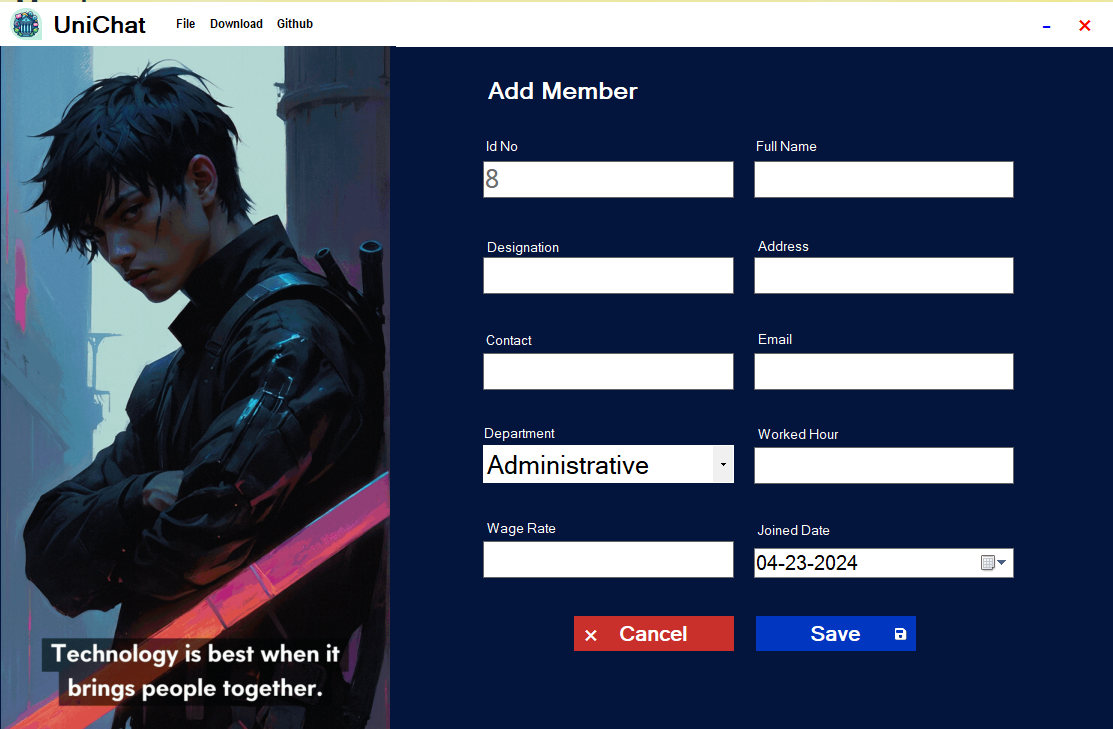
This is a basic project developed using C# and Microsoft Visual Studio as a Windows App. In this app, we have implemented CRUD operations where you can add, delete, update, and manage team member details effortlessly.

Team Management Window App Dot.Net CSharp
What you'll learn

This is a basic project developed using C# and Microsoft Visual Studio as a Windows App. In this app, we have implemented CRUD operations where you can add, delete, update, and manage team member details effortlessly.

Jump to the guide

Team Management with a Sleek C# Application

This is a basic project developed using C# and Microsoft Visual Studio as a Windows App. In this app, we have implemented CRUD operations where you can add, delete, update, and manage team member details effortlessly.

Introducing Our C# Team Management Application

Our C# Team Management Application is a sophisticated tool crafted to simplify the organization and collaboration of team members. Leveraging the power of C# and Microsoft Visual Studio, we've created a robust solution that combines functionality with elegance.

Efficient CRUD Operations for Seamless Management

With our application, managing team members has never been easier. From adding new members to updating existing details and deleting records, our CRUD operations ensure seamless management of your team's information. Whether you're a small startup or a large enterprise, our application scales to meet your needs.

Eye-Catching UI for Enhanced User Experience
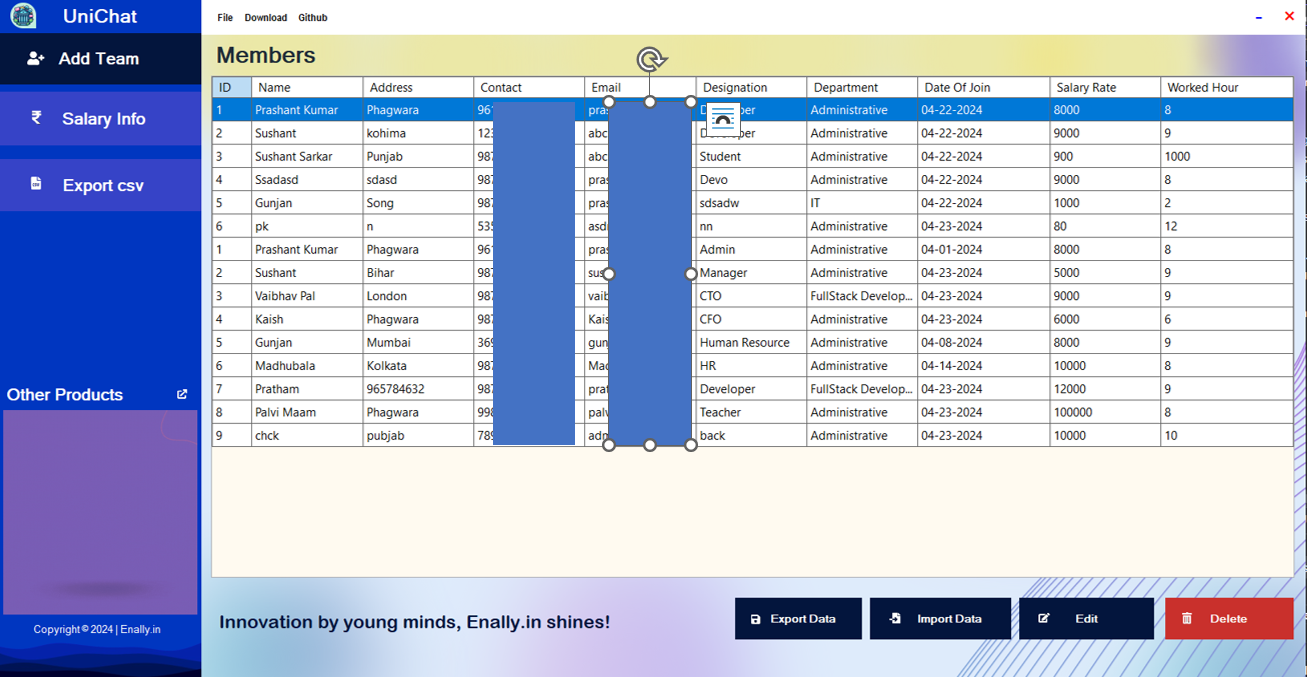
The hallmark of our application is its visually appealing user interface. We understand the importance of aesthetics in software design, which is why we've crafted an interface that not only looks great but also enhances usability. Navigating through the application is intuitive and enjoyable, making team management a breeze.

Installation Guide for Quick Setup

Getting started with our C# Team Management Application is simple. Follow these steps to set up the application on your system:

  1. Clone the Project: Clone the project repository from GitHub using the provided link.

  2. Open with Visual Studio: Launch Microsoft Visual Studio (version 2022 or later) and open the solution file (.sln) included in the cloned project.

  3. Configure Database Connection: Navigate to the EmployeeManagementSystem.Data folder and edit the database name in the EmployeeManagementContext.cs file according to your preferences. Update the database connection string in the optionsBuilder.UseSqlServer() method with your server details.

  4. optionsBuilder.UseSqlServer(@"Server=YOUR_SERVER_NAME;Database=EmployeeManagement;Trusted_Connection=True;TrustServerCertificate=True;");

  5. Replace YOUR_SERVER_NAME with your SQL Server instance name.

  6. Update Packages: Use the NuGet Package Manager to update all packages for seamless compatibility.

  7. Clean and Rebuild: Clean the solution and rebuild it to ensure smooth execution.

  8. Run the Application: Press CTRL + F5 to rebuild and run the application effortlessly.

Stay Connected for Support and Resources

Should you encounter any issues during installation or usage, our team is here to assist you. Feel free to reach out to us for prompt assistance or refer to our comprehensive YouTube video tutorial for additional guidance.

GitHub Link: https://github.com/03prashantpk/Team---Management/

Watch on YouTube: Team Management Window App

Frequently asked questions

This is a basic project developed using C# and Microsoft Visual Studio as a Windows App. In this app, we have implemented CRUD operations where you can add, delete, update, and manage team member details effortlessly.

This guide covers Team Management with a Sleek C# Application, Introducing Our C# Team Management Application, Efficient CRUD Operations for Seamless Management, Eye-Catching UI for Enhanced User Experience, Installation Guide for Quick Setup, Stay Connected for Support and Resources.

The estimated reading time is 2 min read.

Keep learning

Related articles