





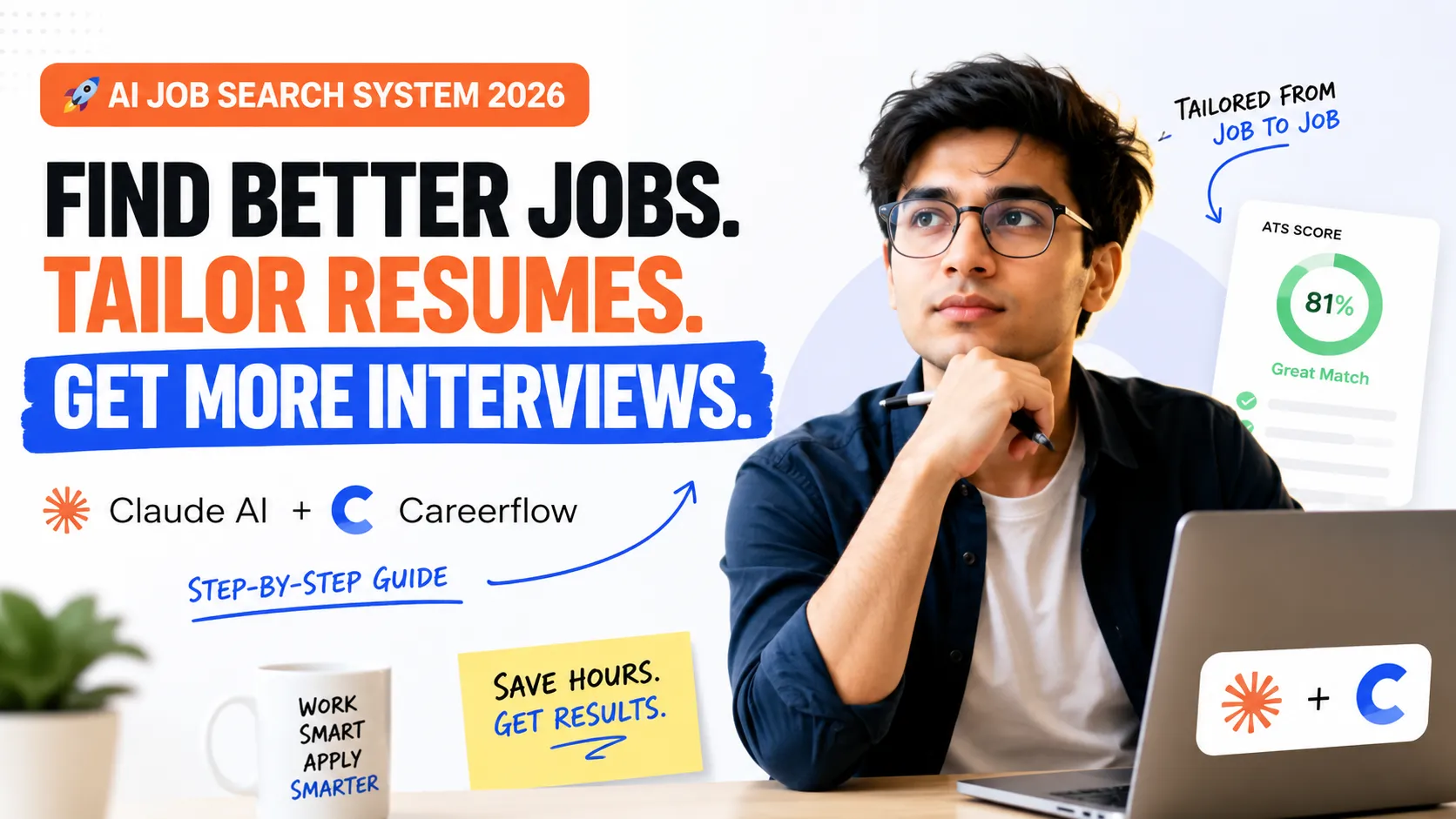
The Modern AI Job Search Workflow: Find Better Jobs, Build Better Resumes, Get More Interviews
Why Most Job Searches Fail (Even When You're Qualified)
Most job seekers assume they're losing opportunities because they aren't applying to enough jobs.
In reality, recruiters and Applicant Tracking Systems (ATS) reject thousands of applications every day because they don't closely match the job description.
A typical job search looks like this:
-
Search LinkedIn for hours
-
Open dozens of tabs
-
Read every job manually
-
Copy company details
-
Update the same resume repeatedly
-
Forget where you've already applied
-
Repeat everything tomorrow
The result?
-
Hundreds of applications
-
Very few responses
-
Lots of wasted time
Today's hiring process rewards relevance, not volume.
Instead of sending one generic resume everywhere, successful candidates customize their applications for every role.
Fortunately, AI now makes this process dramatically faster.
What You'll Need
Before starting, prepare these tools.
| Tool | Purpose |
|---|---|
| Claude AI | Web research, job discovery, summarizing openings |
| Careerflow | Resume optimization, ATS tailoring, job tracking |
| Apify Connector | Allows Claude to search and gather information from the web |
| Resume PDF | Base resume you'll customize |
| Browser | To open job pages |
| AI Productivity Toolkit | https://enally.in/article/5-ai-tools-i-actually-use-every-day-as-a-developer-in-2026 |
Step 1 — Connect Claude to the Web
Claude can search the internet, but enabling external connectors makes it significantly more useful.
Navigate to:
Claude
→ +
→ Connectors
→ Enable Apify
Once enabled, Claude can search:
-
Job boards
-
Company career pages
-
Hiring portals
-
Public listings
-
Startup hiring websites
Instead of checking dozens of sites yourself, Claude gathers everything into one place.
Step 2 — Use a Better Prompt
Instead of asking:
Find software jobs
Be specific.
Example:
Search for Full Stack Developer jobs in Bangalore, India posted within the last 14 days.

For every job include:

• Company
• Position
• Salary (if available)
• Experience Required
• Employment Type
• Location
• Required Skills
• Short Summary
• Direct Apply Link
You can customize this for:
-
Frontend Developer
-
Backend Developer
-
MERN Developer
-
Python Developer
-
React Developer
-
DevOps Engineer
-
Product Designer
-
Data Analyst
-
AI Engineer
-
Cloud Engineer
The better your prompt, the better Claude's research becomes.
Step 3 — Let Claude Search Multiple Sources
Instead of opening every job website manually, Claude searches multiple sources simultaneously.
Examples include:
-
LinkedIn Jobs
-
Indeed
-
Glassdoor
-
Wellfound
-
Built In
-
Company career portals
-
Startup hiring pages
Rather than returning hundreds of irrelevant listings, Claude organizes useful information into a readable format.
For each opportunity, you'll typically receive:
-
Job title
-
Company
-
Experience level
-
Salary range
-
Skills required
-
Job summary
-
Location
-
Apply link
This removes hours of manual searching.
Step 4 — Compare Opportunities Faster
Because Claude summarizes every listing, you can quickly compare opportunities.
Instead of reading ten lengthy job descriptions, you'll immediately see:
| Factor | Example |
|---|---|
| Salary | ₹12–18 LPA |
| Location | Bangalore (Hybrid) |
| Experience | 2–4 Years |
| Tech Stack | React, Node.js, MongoDB |
| Employment | Full-Time |
| Remote | Yes / No |
This makes filtering much easier.
Step 5 — Save Interesting Jobs
Once you find a role worth applying to:
-
Open the job page
-
Launch Careerflow
-
Save the job
Instead of maintaining spreadsheets manually, Careerflow stores everything in one place.
You can organize:
-
Saved jobs
-
Applied jobs
-
Interview stages
-
Offers
-
Rejections
-
Notes
This creates a proper application pipeline.
Step 6 — Build a Personalized Resume
Most applicants make one huge mistake:
They send the exact same resume to every company.
Modern ATS systems rank resumes based on how closely they match the job description.
Careerflow analyzes:
-
Skills
-
Keywords
-
Technologies
-
Responsibilities
-
Experience
-
Industry terminology
It then recommends improvements.
Rather than rewriting everything manually, you receive AI-powered suggestions.
Step 7 — Import the Saved Job
Open the Resume Builder.
Choose:
Tailor for Job
Import the saved position.
Careerflow automatically reads:
-
Job description
-
Responsibilities
-
Required skills
-
Preferred qualifications
-
Keywords recruiters expect
This becomes the foundation for your customized resume.
Step 8 — Optimize for ATS
Applicant Tracking Systems scan resumes before recruiters ever read them.
Careerflow evaluates areas like:
-
Missing keywords
-
Skill match
-
Resume score
-
ATS compatibility
-
Experience alignment
It highlights improvements such as:
-
Skills to include
-
Better wording
-
Stronger summaries
-
More relevant achievements
Instead of guessing what recruiters want, the software provides actionable recommendations.
Step 9 — Apply Suggested Changes
Review every recommendation carefully.
Common improvements include:
-
Better action verbs
-
Relevant technical skills
-
Industry-specific keywords
-
Improved summaries
-
Stronger project descriptions
-
More measurable achievements
Example:
Instead of:
Built web applications.
Use:
Developed scalable MERN applications serving over 20,000 users while reducing API response times by 35%.
Specific accomplishments carry far more weight.
Step 10 — Download a Resume Tailored to That Role
Once finished:
-
Export the customized resume
-
Apply to the company
-
Repeat for the next opportunity
Because every application is optimized individually, your resume better reflects the employer's requirements.
This process is significantly faster than rewriting your resume manually for every application.
Why Resume Tailoring Matters
Recruiters often receive hundreds—or even thousands—of applications for a single opening.
A tailored resume helps by:
-
Matching important keywords
-
Highlighting relevant experience
-
Improving ATS compatibility
-
Making your strengths easier to identify
-
Reducing unrelated information
Tailoring doesn't guarantee interviews, but it can make your application more relevant to each specific role.
Sample Claude Prompt
Search for Full Stack Developer jobs in Bangalore, India posted within the last 14 days.

For every listing include:

• Company
• Job Title
• Salary
• Experience
• Skills Required
• Employment Type
• Location
• Job Summary
• Direct Application Link

Prioritize official company career pages whenever available.
Remove duplicate listings.
Sort results by newest first.
Present everything in a clean table.
ATS Resume Checklist
Before applying, make sure your resume includes:
-
Professional summary
-
Relevant keywords
-
Technical skills
-
Measurable achievements
-
Recent projects
-
Certifications
-
GitHub portfolio
-
LinkedIn profile
-
Portfolio website
-
Clean formatting
-
PDF export
-
Proper section headings
-
No unnecessary graphics
-
No tables that ATS may struggle to parse
Common Mistakes Job Seekers Make
Applying Everywhere
Quality almost always beats quantity.
Ignoring Keywords
Recruiters search for specific technologies.
Missing keywords may reduce visibility.
Using One Resume
Different companies prioritize different skills.
A backend-heavy role should emphasize backend work.
A frontend position should emphasize UI, React, accessibility, and performance.
Not Tracking Applications
Without tracking:
-
Duplicate applications
-
Missed interviews
-
Forgotten follow-ups
become common.
Applying Too Late
Many companies review applicants continuously.
Applying earlier can improve your chances of being seen before interview slots begin filling.
Productivity Tips
-
Search jobs every morning.
-
Save interesting openings immediately.
-
Tailor resumes one role at a time.
-
Track every application.
-
Review recruiter feedback.
-
Update projects regularly.
-
Refresh LinkedIn weekly.
-
Follow target companies.
-
Build a portfolio alongside applying.
Useful AI Tools
| Tool | Best For |
|---|---|
| Claude AI | Job research and structured search |
| Careerflow | Resume tailoring and job tracking |
| ChatGPT | Resume rewriting, interview preparation, cover letters |
| Perplexity AI | Company research |
| Notion | Job tracking dashboard |
| Google Sheets | Backup application tracker |
| Grammarly | Resume proofreading |
| Canva | Portfolio and resume visuals |
| Enally AI Tools Collection | https://enally.in/article/5-ai-tools-i-actually-use-every-day-as-a-developer-in-2026 |
Recommended Job Boards
-
LinkedIn Jobs
-
Indeed
-
Wellfound
-
Glassdoor
-
Built In
-
Remote OK
-
We Work Remotely
-
Y Combinator Jobs
-
Greenhouse
-
Lever
-
Ashby
-
Company Career Pages
Bonus: Build an AI-Assisted Job Search System
A highly efficient workflow looks like this:
Claude
      ↓
Find relevant jobs
      ↓
Careerflow
Save job
      ↓
Import Job Description
      ↓
Tailor Resume
      ↓
Improve ATS Score
      ↓
Export Resume
      ↓
Apply
      ↓
Track Application
      ↓
Repeat
Further Reading
If you're building an AI-powered workflow for your career, you'll also find these tools useful:
-
AI tools for developers and productivity: https://enally.in/article/5-ai-tools-i-actually-use-every-day-as-a-developer-in-2026
-
Claude AI: https://claude.ai
-
Careerflow: https://careerflow.ai
-
Apify: https://apify.com
-
LinkedIn Jobs: https://www.linkedin.com/jobs
-
Indeed: https://www.indeed.com
-
Wellfound: https://wellfound.com/jobs
-
Glassdoor: https://www.glassdoor.com/jobs
-
Built In: https://builtin.com/jobs